
Lafiya AI: Nigeria's Clinical Decision Support for Primary Care
Enhance your clinic's diagnostic accuracy with evidence-based support built for Nigeria. Access the power of Lafiya’s Knowledge Graph instantly via our cloud service, or use the tablet-optimized offline engine for unreliable network conditions.
For the offline APK, ensure you allow apps from unknown sources.
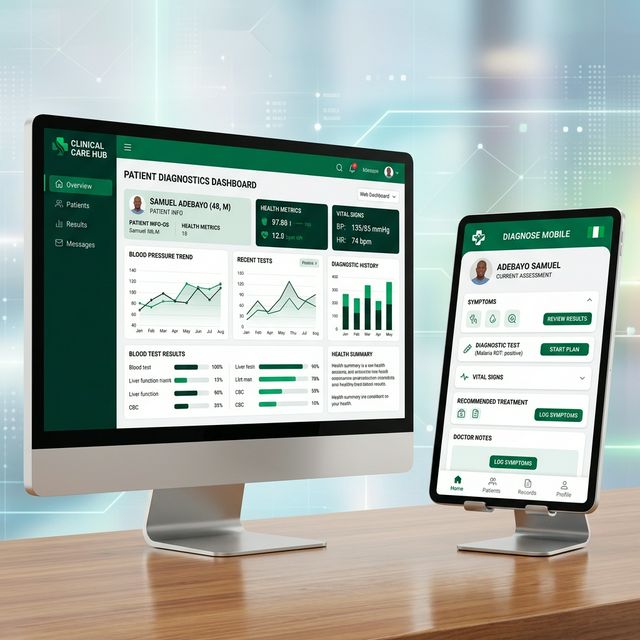
How Lafiya Works
A streamlined 3-step workflow designed specifically for rapid assessment and evidence-based treatment in resource-constrained environments.
Intake
Gather patient vitals and symptoms rapidly using the intuitive, optimized interface designed for quick clinic visits.
Diagnose
Lafiya's AI engine instantly cross-references symptoms against the Knowledge Graph to suggest evidence-based differentials aligned with Nigerian parameters.
Treat
Review contextual recommendations based directly on the Nigerian Standing Orders (NSO) treatment guidelines.
Installing the Offline Application
Because the Lafiya Android app is distributed directly to clinics rather than through the Google Play Store, you will need to allow "Unknown Sources" before installing the downloaded `.apk` file.
- Download the `Lafiya.apk` file using the button above to your Android tablet.
- Tap the downloaded file to begin installation. If prompted that the app is from an unknown source, tap Settings.
- Toggle the switch to Allow from this source, then tap the back button and click Install.